10 Best HA Tools for Home Automation in 2027
Managing smart-home devices from different brands can quickly become confusing, especially when you want reliable automation without sacrificing privacy or control. You’re not alone—many people struggle to find one platform that fits their home, budget, and technical comfort.
In 2027, you’ll find the best home-automation tools by matching features to your needs. Choose Home Assistant for total control, Hubitat for fast local routines, Homey Pro for mixed-brand support, and SmartThings for easy setup.
Apple Home suits Apple households, while Alexa keeps device costs low. Consider openHAB for flexibility, Homebridge for Apple integration, and Matter platforms for future compatibility.
As you compare privacy, security, and growth, the details below will help you choose confidently.
Key Takeaways
- Compare Home Assistant, Hubitat, Homey Pro, SmartThings, openHAB, and Apple Home for compatibility, customization, and ease of use.
- Prioritize Matter, Zigbee, Z-Wave, Wi-Fi, MQTT, and KNX support to ensure broader device compatibility and future expansion.
- Choose platforms offering local processing for faster automations, offline reliability, improved privacy, and reduced cloud dependency.
- Evaluate automation builders, voice assistants, dashboards, scenes, schedules, presence detection, and scripting capabilities for everyday usability.
- Verify security updates, regional availability, hub requirements, device support, and scalability before selecting a home automation tool.
Home Assistant: Best for Total Control
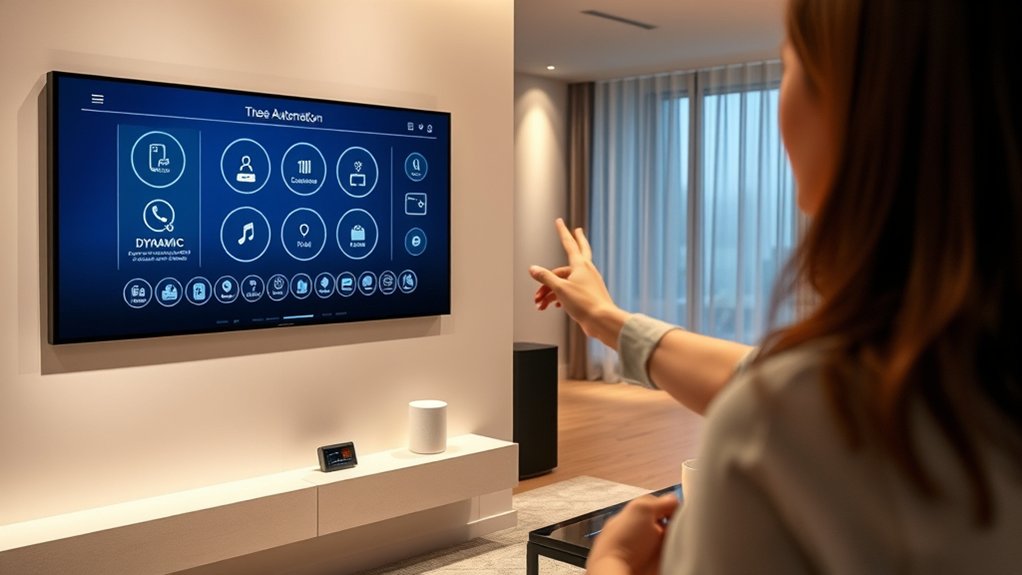
Home Assistant is the best choice for total control because it lets you connect, automate, and manage devices from one open-source platform. You can bring lights, sensors, cameras, thermostats, locks, and appliances into a flexible dashboard without depending on one manufacturer.
Home Assistant unifies your smart home devices, automations, and controls in one flexible, open-source platform.
Its broad integration library helps you build routines around your actual needs, while powerful scripts and scenes give you precise control over complex actions.
Create custom lighting that responds to motion, time, occupancy, or your preferred mood. You can also track energy monitoring data through compatible meters and plugs, then identify waste, compare usage, and adjust schedules.
Home Assistant stores your data locally, giving you greater privacy and customization than many cloud-first systems. You’ll need to invest time in setup, updates, and occasional troubleshooting, but the payoff is a system that grows with your home.
If you want deep personalization and long-term flexibility, Home Assistant gives you the tools to design automation on your terms.
Hubitat: Best for Fast Local Automation
Hubitat is the best choice for fast local automation because it processes routines on the hub instead of relying on the cloud. When you tap a button, open a door, or trigger a motion sensor, your rules can respond almost instantly, even if your internet connection fails. This local processing improves automation speed and gives you dependable control over lights, locks, thermostats, and other supported devices.
You’ll build routines through Hubitat’s web interface, then let the hub execute them independently. Its rule tools support conditions, schedules, triggers, delays, and modes, so you can create practical automations without sending every event to a remote server. Hubitat also keeps your data closer to home, which may appeal to you if privacy matters.
Choose Hubitat when quick responses and offline reliability matter most. You’ll need to spend time learning its interface, but the responsive performance makes that effort worthwhile for everyday household routines and security-related actions.
Homey Pro: Best for Mixing Brands
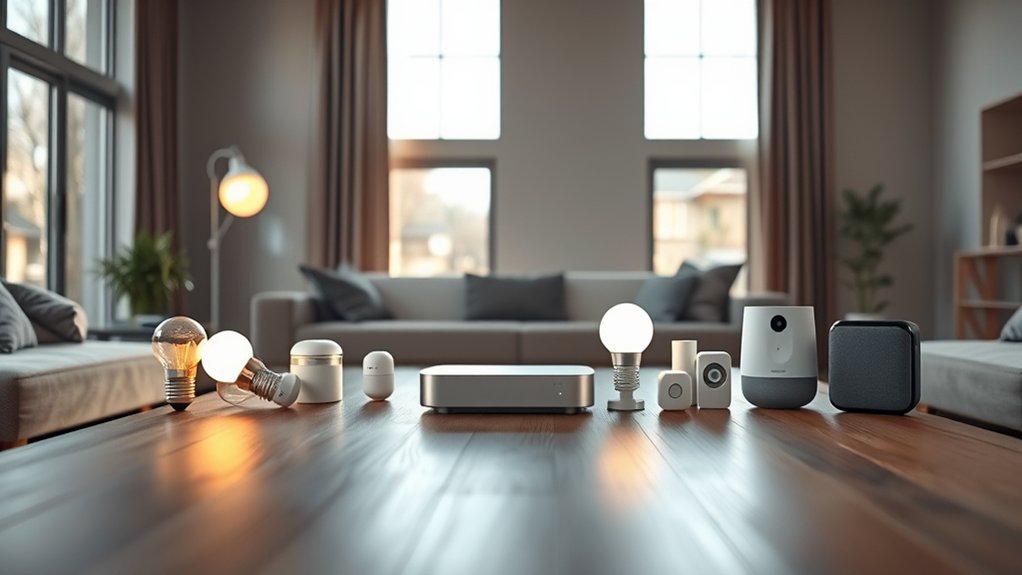
Homey Pro lets you bring devices from many brands together in one smart-home system. Instead of switching between separate apps, you can control everything through one unified interface.
It also offers flexible automation flows, so you can connect your devices and create routines that fit the way you live.
Broad Brand Compatibility
If you’re mixing smart-home brands, Homey Pro is one of the most flexible options available, connecting devices across protocols such as Matter, Zigbee, Z-Wave, Wi-Fi, and infrared through a single hub. You can pair lights, locks, sensors, thermostats, cameras, and appliances from different manufacturers without limiting your setup to one ecosystem.
Its broad compatibility helps you keep existing devices while adding newer products that support emerging standards. You’ll also find practical options for Voice customization, letting you tailor how you interact with supported devices and routines.
Security integration adds value when you connect alarms, locks, and sensors from different brands, helping you build a more cohesive protection strategy. Check compatibility before buying, since features may vary by protocol, firmware, region, or manufacturer implementation.
Unified Device Control
Homey Pro gives you one control point for lights, locks, sensors, thermostats, cameras, and appliances from different brands. You can view device status, adjust settings, and manage rooms without jumping between separate apps.
Its unified dashboard helps you understand your home at a glance, even when products use different ecosystems.
- One interface: Control mixed-brand devices from your phone, tablet, or voice assistant.
- Central visibility: Check locks, motion sensors, lights, and cameras in one place.
- Security integration: Combine compatible alarms, cameras, door sensors, and locks for clearer oversight.
- Energy management: Monitor connected appliances, thermostats, and power use to make smarter daily decisions.
Homey Pro reduces friction when you expand your setup. You’ll spend less time searching for controls and more time managing your home confidently.
Flexible Automation Flows
Flexible automation flows let you connect devices from different brands and trigger them through one coordinated routine. Homey Pro excels when you want cross platform integration without managing separate apps or complicated bridges.
You can combine smart lights, locks, sensors, thermostats, speakers, and appliances in a single Flow, then start it with motion, time, presence, weather, or voice commands. Its visual interface helps you build practical routines quickly, while advanced users can add custom scripting for more specialized behavior.
For example, your arrival routine can open the door, adjust the thermostat, turn on hallway lights, and play music only after your phone reaches home. You can also add conditions and delays, so automations respond intelligently instead of firing blindly.
Homey Pro gives you flexibility without forcing one brand ecosystem.
SmartThings: Best for Easy Setup
SmartThings makes it easy to pair your devices quickly, without a complicated setup. From there, you can create helpful automation routines with just a few taps. Plus, its broad compatibility lets you connect devices from many leading brands.
Simple Device Pairing
Pairing smart devices shouldn’t require technical expertise, and SmartThings keeps the process simple through guided setup and automatic device identification. You can connect compatible lights, sensors, plugs, and appliances without decoding complicated menus or entering lengthy settings.
- Start nearby: Open the SmartThings app and place your device within range of your hub or phone.
- Follow prompts: The setup wizard guides you through power, permissions, and account steps.
- Use wireless pairing: SmartThings supports common protocols, helping you connect devices with minimal input.
- Confirm device discovery: The app identifies available products, displays relevant details, and lets you assign a clear name or room.
You’ll spend less time troubleshooting connection errors and more time enjoying dependable control.
Broad compatibility also means you can add new products gradually without rebuilding your setup or learning a different pairing process each time.
Intuitive Automation Routines
Once your devices are connected, you can build useful SmartThings routines with simple if-this-then-that rules. Choose a trigger, such as arriving home, sunset, or a temperature change, then assign actions that match your needs.
You can create custom routines for morning wake-ups, movie nights, bedtime, or energy savings without writing code. SmartThings lets you adjust conditions and timing, so your automations respond more precisely to daily habits.
For example, a routine can turn on lights when motion occurs after dark, then switch them off after a set period. You can also combine schedules, sensor readings, and presence detection for adaptive automation that changes with your routine.
If your preferences change, you can edit, pause, or delete routines from the app in seconds.
Broad Device Compatibility
Those routines become even more useful when your devices work together across brands and categories. SmartThings gives you broad compatibility, so you can connect lights, locks, cameras, thermostats, sensors, and appliances without replacing everything you own.
Its device interoperability helps you build practical scenes, while cross-platform integration links products that normally live in separate ecosystems.
- Mix brands: Combine compatible devices from Samsung, Philips Hue, Google, and other manufacturers.
- Simplify control: Manage connected products through one app instead of switching between several.
- Expand gradually: Add new devices as your needs grow, rather than buying a complete system upfront.
- Check support: Review hub, protocol, and regional compatibility before purchasing equipment.
You’ll still need to verify specific models and integrations, but SmartThings makes setup approachable.
If you want flexible automation without complex configuration, its wide device support can help you create a connected home faster.
Apple Home: Best for Apple Households
Apple Home is a natural fit for Apple households, letting you control compatible lights, locks, cameras, thermostats, and other devices through the Home app, Siri, and automations. You can organize rooms, create scenes, and schedule routines from your iPhone, iPad, Apple Watch, or Mac.
HomeKit Secure Video adds private camera monitoring when you use a supported iCloud+ plan. HomePod or Apple TV can also provide a home hub for remote access and automations.
The platform feels user-centric if you already rely on Apple devices, with a familiar interface and strong privacy controls. You’ll also benefit from Matter support, which expands your hardware choices beyond Apple-certified products.
Use occupancy sensors, smart thermostats, and timed lighting to build an energy-efficient setup without constant manual adjustments. Check each product’s compatibility before buying, since features can vary by device, hub, and subscription.
If your household values seamless integration and privacy, Apple Home offers a polished foundation for everyday automation.
Google Home: Best for Voice Control
If you prefer hands-free control across a broad range of devices, Google Home lets you manage lights, thermostats, locks, speakers, and routines with Google Assistant voice commands.
You can create personalized routines, ask questions, broadcast messages, and coordinate compatible devices from one app.
- Natural control: You can use conversational phrases instead of memorizing rigid commands.
- Room coverage: Nest speakers and displays extend control throughout your home.
- Smart routines: You can trigger multiple actions with one phrase, such as “Good night.”
- Accessibility: Voice control helps you manage daily tasks when your hands are busy.
Google’s voice command innovations can make automation feel responsive and convenient, especially when you connect calendars, media, and smart-home services.
Still, review user privacy considerations before enabling continuous listening or linking sensitive accounts.
Adjust activity controls, microphone settings, and Voice Match to limit exposure.
Google Home suits you best when voice interaction matters more than elaborate local control or complete offline operation.
Check compatibility before purchasing devices or building routines.
Amazon Alexa: Best for Affordable Devices
Amazon Alexa makes it easy to build a smart home without spending a lot. You can start with affordable devices such as smart plugs, bulbs, and speakers, then add more as your needs grow. With voice control and broad compatibility, Alexa offers a practical way to expand your home automation gradually.
Affordable Smart Devices
Affordable smart devices make Amazon Alexa a practical choice for building a connected home without a large upfront cost. You can start with one plug, bulb, or sensor, then expand as your needs and budget grow.
Many compatible products support DIY installation, so you won’t need professional labor or complicated wiring.
- Smart plugs: Schedule lamps, fans, or appliances and monitor their use.
- LED bulbs: Adjust brightness, set routines, and improve energy efficiency.
- Entry sensors: Receive alerts when doors or windows open unexpectedly.
- Smart thermostats: Reduce heating and cooling waste through automated schedules.
Alexa’s broad compatibility lets you compare brands instead of committing to one expensive ecosystem. Check product requirements before buying, especially wireless standards, hub needs, and app support.
This gradual approach helps you create useful automation while keeping startup costs predictable and manageable.
Budget-Friendly Voice Control
A budget-friendly voice assistant lets you control compatible lights, plugs, thermostats, and sensors with simple commands instead of costly custom systems.
Amazon Alexa stands out because affordable Echo speakers work with many smart-home brands, giving you flexible control without a large upfront investment.
You can create routines that turn off lights, adjust the thermostat, or lock doors with one phrase. Voice command customization helps you use natural wording and tailor routines to your schedule.
Pair Alexa with budget sensor options, such as inexpensive motion, contact, or temperature sensors, to add useful automation gradually.
Check device compatibility before buying, and enable voice profiles or PIN protection for sensitive actions.
You’ll save money by starting with essentials, then expanding only when a new device solves a real everyday need.
openHAB: Best for Open-Source Flexibility
If you want maximum control over your smart home, openHAB gives you a flexible, open-source platform for connecting devices across brands and protocols. You can build rules, dashboards, and automations that match your routines instead of adapting to a manufacturer’s limits.
Its broad integration library helps you combine lighting, sensors, thermostats, media, and security equipment in one system.
- Open source customization: You can inspect, modify, and extend openHAB’s behavior, making it suitable for unusual devices or advanced workflows.
- Protocol freedom: You can connect Zigbee, Z-Wave, MQTT, KNX, and other technologies without locking your setup to one ecosystem.
- Developer community: You’ll benefit from community-created bindings, documentation, examples, and ongoing troubleshooting support.
- Local control: You can keep automations running locally, improving privacy, reliability, and response times when internet access fails.
Expect a steeper learning curve than simpler platforms. However, if you enjoy tailoring every detail, openHAB rewards your patience with powerful, long-term flexibility.
Homebridge: Best for Adding Apple Home Support
Homebridge is a lightweight platform that brings non-Apple smart-home devices into Apple Home, letting you control compatible lights, sensors, cameras, and switches through the Home app and Siri. You can run it on a Raspberry Pi, computer, or NAS, then install plugins for brands that lack native Apple support.
Its innovative integration helps you manage more of your equipment from one familiar interface. You’ll create automations, assign rooms, and use scenes alongside your existing Apple accessories.
The web interface keeps setup approachable, while community-maintained plugins expand your options across lighting, security, energy, and entertainment devices.
Homebridge also gives you seamless customization. You can adjust plugin settings, rename accessories, hide controls, and expose only the functions you use.
Because quality varies between plugins, check maintenance activity and device compatibility before installing. Homebridge works best when you want Apple Home’s convenience without replacing your current hardware.
It’s a practical bridge for households invested in Apple’s ecosystem.
Matter Platforms: Best for Smart-Home Compatibility
Matter platforms let your smart-home devices from different brands communicate through one shared standard, so you can mix lights, locks, sensors, and appliances with fewer compatibility concerns. You’ll spend less time checking logos and more time building useful routines.
- Choose broad support: Confirm your hub, phone, and preferred voice assistant support Matter and the device types you need.
- Expect gradual growth: Matter improves interoperability, but firmware limitations and missing features can still create interoperability challenges.
- Prioritize local control: Select platforms that process automations locally, reducing cloud dependence and improving response times.
- Review security: Check platform security considerations, including encrypted communication, account protections, update policies, and device commissioning controls.
Matter works best when you treat it as a foundation rather than a guarantee. You’ll still need compatible radios, reliable Wi-Fi or Thread coverage, and current firmware.
Before buying, verify each device’s Matter certification and supported features. With the right platform, you can replace brands more easily, expand gradually, and manage your home from one consistent interface.
That flexibility makes Matter a strong choice for long-term smart-home compatibility in 2027.
Frequently Asked Questions
How Much Does Each Home Automation Platform Cost to Operate Annually?
Annual operating costs vary by platform and setup. You’ll typically spend $0–$60 for open-source platforms such as Home Assistant, excluding hardware and electricity.
Cloud services, including Alexa, Google Home, and Apple Home, generally cost $0, though compatible devices may require subscriptions of $20–$100 annually.
Professional ecosystems can exceed $100 yearly. Voice control features are usually free, while energy monitoring may require premium integrations, meters, or additional hardware purchases.
Which Platforms Offer the Strongest Privacy Protections and Data Policies?
You’ll find the strongest privacy protections with Home Assistant, openHAB, and Hubitat, because they can keep automation processing inside your home, like a locked workshop with no open windows. Home Assistant and openHAB offer extensive local control, transparent code, and strong community scrutiny.
Hubitat stores much locally, though integrations may involve clouds. Review privacy policies, disable unnecessary telemetry, use data encryption, and scrutinize privacy concerns around voice assistants, cameras, and third-party services before choosing.
What Hardware Is Required to Begin Building a Smart Home?
You’ll need a reliable internet connection, a smartphone, and a central hub or controller, such as a smart speaker, Home Assistant server, or compatible bridge. Add a Wi-Fi, Zigbee, Thread, or Z-Wave router according to your devices.
Start with smart bulbs, plugs, sensors, or thermostats. Check smart device compatibility before buying, and confirm voice assistant integration if you want hands-free control.
Include backup power and strong network security for dependable operation.
How Easily Can Automations Be Migrated Between Platforms?
You can migrate simple automations fairly easily, but complex setups often require manual rebuilding. Platform compatibility determines whether devices, triggers, and actions transfer directly or need replacement.
Export tools, open standards, and documented APIs reduce effort, while proprietary integrations create obstacles. You’ll usually translate logic between platforms, test every condition, and reconnect services.
Automation customization also matters: highly tailored routines take longer to recreate, though clear naming and modular design simplify migration.
Which Platforms Provide the Best Customer Support and Troubleshooting Resources?
You’ll find the strongest customer support with Home Assistant, Hubitat, and Homey, which offer active forums, detailed documentation, and growing troubleshooting libraries.
Home Assistant provides the broadest community expertise, while Hubitat delivers responsive staff guidance and practical user solutions. Homey combines polished help resources with accessible support channels.
For Voice recognition and Energy monitoring issues, you’ll benefit from platform-specific guides, logs, diagnostics, and community-tested fixes when official assistance can’t resolve the problem.
Conclusion
Choosing the right home-automation tool in 2027 should make your life simpler, not turn you into a full-time systems administrator. Whether you want total control with Home Assistant, effortless setup with SmartThings, or Apple-friendly convenience with HomeKit and Homebridge, you have options.
Ironically, the smartest home may be the one that demands the least attention. Pick the platform that fits your habits, automate the boring stuff, and enjoy technology quietly working while you do absolutely nothing.
With the right home automation tools, your smart home can make everyday life easier without adding unnecessary complexity.