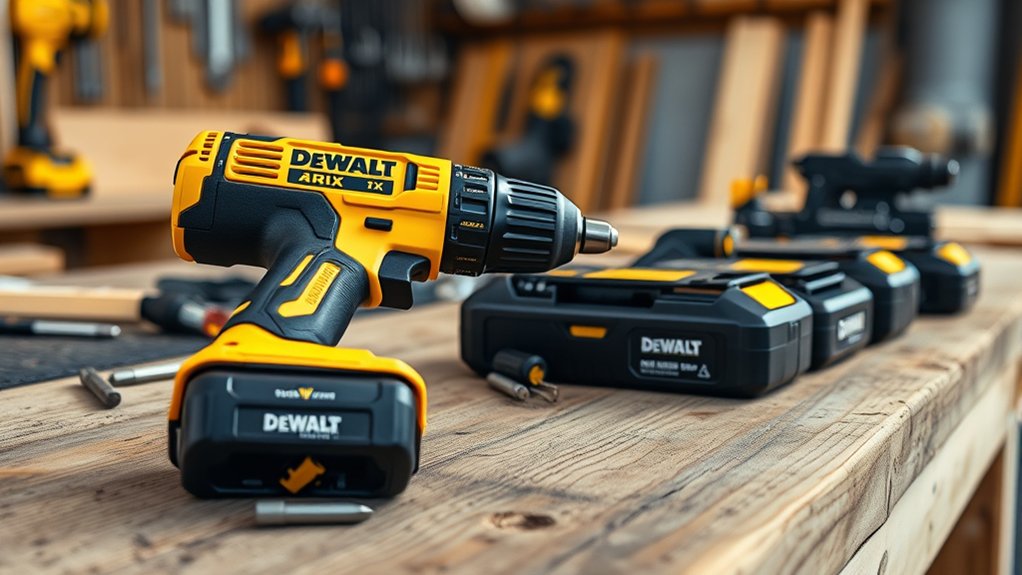
What Is DeWalt XR: How to Choose the Right Tool
Choosing the right cordless tool can be frustrating, especially when battery life, power, and compatibility all matter. You’re not alone—many people struggle to understand what DeWalt XR really means and which model fits their work.
DeWalt XR means “eXtreme Runtime,” a tool range designed for longer battery life, efficient performance, and jobsite durability.
Choose the right model by matching its voltage, motor type, battery capacity, and features to your work.
Brushless tools suit demanding, frequent use, while brushed models cost less for lighter tasks.
Pick drills, impact drivers, saws, or grinders based on the material and job.
Confirm battery compatibility, compare total costs, and examine the details below before buying.
Key Takeaways
- DeWalt XR means “eXtreme Runtime,” describing efficient, durable tools designed around brushless motors and 20V MAX batteries.
- Choose brushless XR tools for longer runtime, cooler operation, lower maintenance, and demanding professional applications.
- Match voltage, battery capacity, and tool size to the material, workload, required runtime, and desired handling comfort.
- Select tools by task: drills for controlled fastening, impact drivers for high torque, saws for cutting, and grinders for metalwork.
- Compare battery compatibility, amp-hours, ergonomics, performance features, price, and long-term value before purchasing.
What Does DeWalt XR Actually Mean?
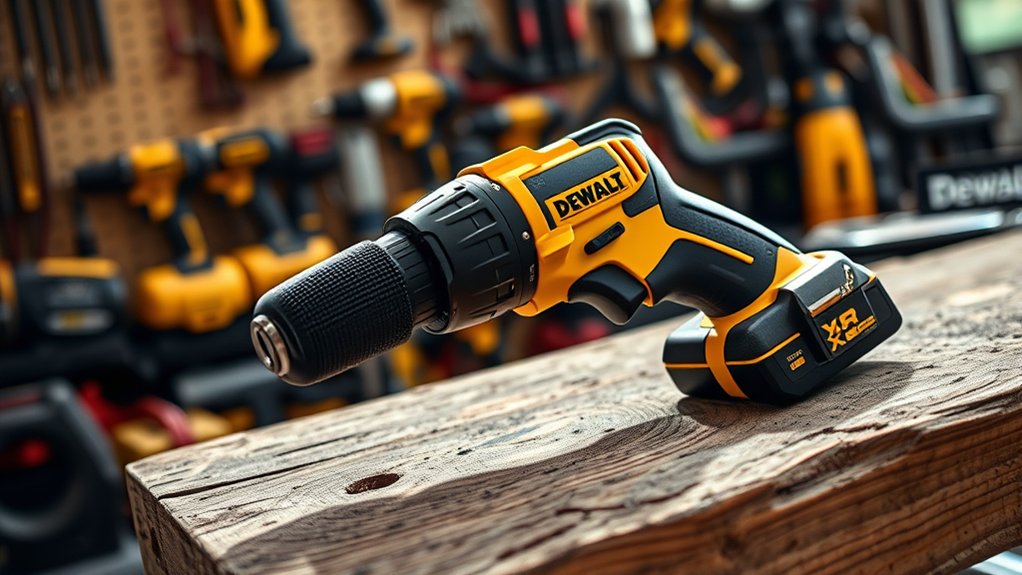
DeWalt XR stands for “eXtreme Runtime,” a battery-powered tool platform designed to deliver longer runtime, improved efficiency, and greater durability than standard models. When you choose an XR tool, you’re selecting a system built around brushless motors, advanced electronics, and compatible 20V MAX batteries.
DeWalt XR combines brushless motors, advanced electronics, and 20V MAX battery compatibility for efficient, durable performance.
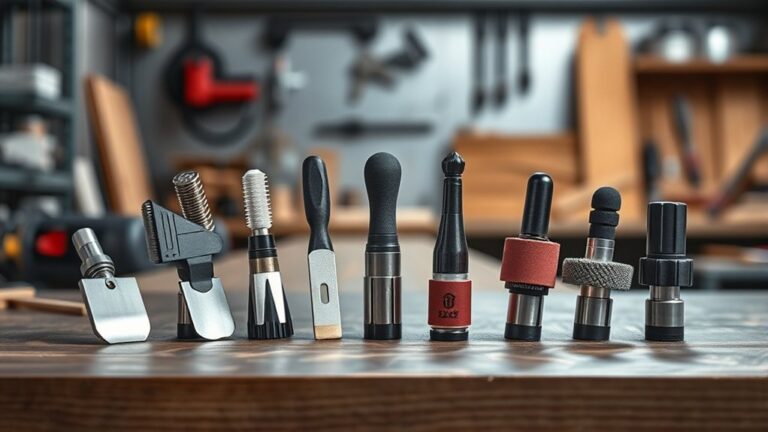
The name describes the platform’s engineering focus, not a single tool category. You’ll find XR drills, impact drivers, saws, grinders, and other equipment for professional and demanding home projects.
DeWalt XR durability comes from reinforced housings, dependable components, and designs intended to withstand regular jobsite use. You’ll also notice ergonomic designs across many models, including balanced bodies, comfortable grips, accessible controls, and integrated lighting.
These details can make extended tasks easier to manage and improve control in tight spaces. To understand an XR product, check its voltage, tool type, battery compatibility, and included features.
That approach helps you choose a model that fits your work without confusing the XR label with a specific performance guarantee.
Why XR Tools Deliver More Runtime and Power
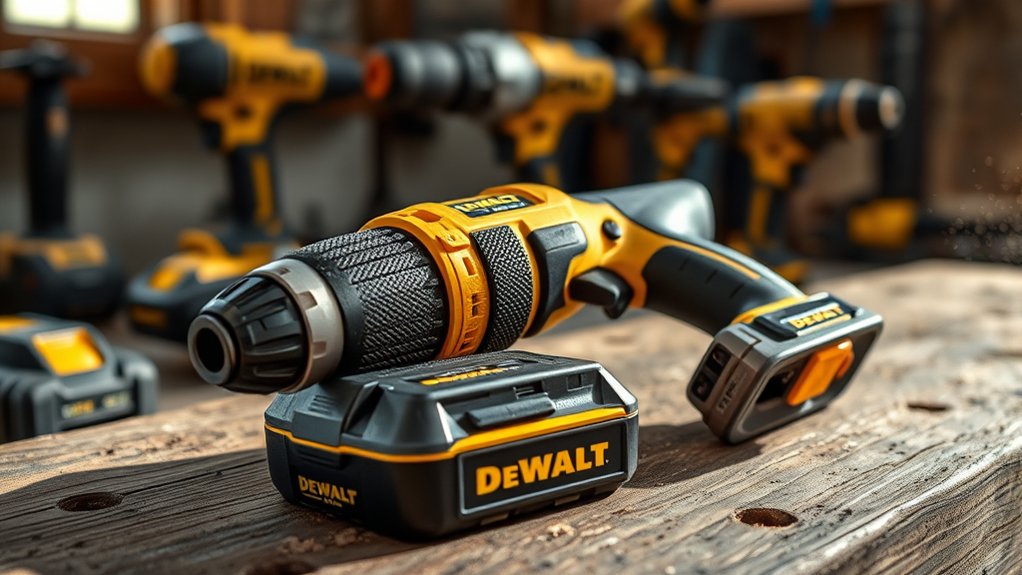
XR tools deliver longer runtime and stronger performance with efficient brushless motors. High-capacity batteries store more energy, while intelligent power management sends it where it’s needed most. Together, these features help you work longer with less downtime.
Brushless Motor Efficiency
Because brushless motors eliminate the friction and maintenance of carbon brushes, XR tools convert more battery power into useful work. That efficiency helps you complete more tasks per charge while maintaining strong performance under load.
An electronic controller adjusts power delivery, so the motor responds smoothly instead of wasting energy through unnecessary resistance.
- More runtime: You can work longer before recharging, especially during demanding cuts, drilling, or fastening.
- Steady power: The motor maintains speed more effectively when you apply pressure.
- Longer battery lifespan: Reduced energy waste can lessen stress on each charge cycle.
- Greater motor durability: Fewer wearing parts mean less maintenance and a longer service life.
You’ll also notice less heat and quieter operation compared with brushed designs.
Choose an XR brushless tool when efficiency, reliability, and consistent output matter most on your job.
High-Capacity Battery Technology
When you need longer runtime and stronger performance, XR high-capacity batteries provide more usable energy without adding unnecessary interruptions. Their increased cell capacity lets you complete more cuts, fasteners, or drilling tasks before you need a recharge.
You’ll notice steadier output during demanding work, especially when pairing the battery with a high-performance brushless tool. A larger pack can add weight, so choose its capacity based on the job and your comfort.
To support battery longevity, store packs in a cool, dry place and avoid leaving them fully depleted for extended periods. Charging speed also matters: compatible DeWalt chargers can restore capacity quickly, helping you spend less time waiting.
Intelligent Power Management
The right amp-hour rating gives you runtime, while intelligent power management helps each charge work harder. XR tools communicate between the battery and motor, adjusting output to match your task. You get strong power when driving fasteners, then efficient operation during lighter work without wasting energy.
- Adaptive output: The motor draws only the power your application requires.
- Reduced heat: Smarter control limits stress, helping protect components and improve battery longevity.
- Consistent performance: The tool maintains useful speed and torque as the battery’s charge declines.
- Better control: You’ll experience smoother operation, supporting an ergonomic design and reducing fatigue.
This system doesn’t replace choosing the right battery. Instead, it complements a suitable amp-hour rating, helping you finish more work per charge.
For demanding jobs, select a higher-capacity pack. For overhead tasks, choose a lighter one for easier handling and balance.
Choose Brushed or Brushless XR Tools
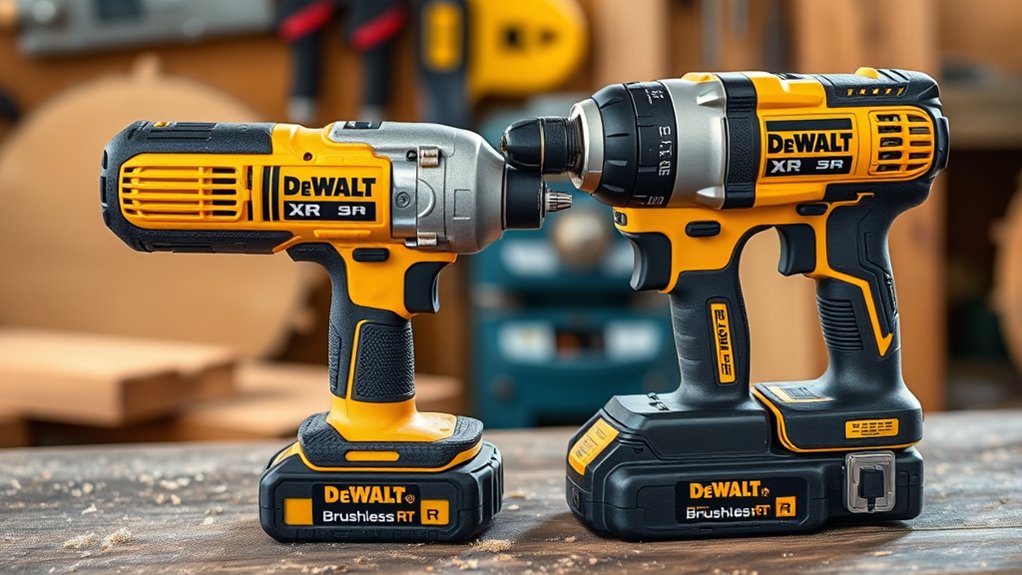
Choosing between brushed and brushless XR tools comes down to your priorities. A brushed motor uses carbon brushes to transfer power, making the tool more affordable and straightforward to maintain.
However, those brushes create friction, heat, and eventual wear. You may notice reduced efficiency and need replacement parts after extended use.
A brushless motor uses electronic controls instead of physical brushes. You’ll typically get greater efficiency, cooler operation, longer runtime, and less maintenance.
That advantage supports better Battery longevity because each charge can deliver more usable work. Brushless tools also often feature an ergonomic design, with balanced bodies and compact motor housings that reduce fatigue during long jobs.
Choose brushed XR tools if you want dependable performance at a lower upfront cost and expect occasional use. Choose brushless if you value durability, sustained output, and reduced maintenance for frequent or demanding tasks.
Compare each tool’s features, weight, and price, then select the motor type that best matches how you’ll use it.
Match XR Voltage to Your Work
After selecting the motor type, match the XR voltage to the demands of your work. Lower-voltage tools suit light fastening, trim work, and overhead tasks, while higher-voltage models deliver greater power for drilling, cutting, and heavy-duty construction.
Choose enough power for consistent performance without carrying unnecessary weight.
- Assess the material: Softwood and drywall usually need less voltage than masonry, hardwood, or thick metal.
- Consider runtime: A suitable voltage helps balance power and battery longevity, especially during extended projects.
- Check handling: Higher-voltage tools may feel heavier, so prioritize ergonomic design when you’ll work above shoulder height or in tight spaces.
- Match the workload: Pick lower voltage for occasional repairs and higher voltage for demanding, repeated use.
Think about your typical tasks, not just the tool’s maximum capability. The right voltage reduces strain, improves control, and helps the tool maintain steady performance.
You’ll work more efficiently when power matches the job instead of exceeding it unnecessarily.
Pick the Right XR Battery
Pick an XR battery that balances runtime, power, and weight for your typical tasks. Choose amp-hours (Ah) based on how long you’ll work between charges.
Choose an XR battery that balances runtime, power, and weight for your typical tasks.
A compact 2.0Ah or 3.0Ah pack keeps your tool light and improves handling, while a 5.0Ah or larger pack supplies longer runtime for demanding use. Higher Ah usually adds weight, so don’t choose the biggest battery automatically.
Consider the tool’s power needs, too. Some high-demand XR tools perform best with high-output batteries designed to deliver stronger current.
Check the battery label and tool manual before buying, especially if you need maximum performance. For battery longevity, store packs away from extreme heat and cold, avoid fully draining them regularly, and remove them from tools during storage.
Confirm charger compatibility before pairing a battery with your existing charger. Use only approved DeWalt XR chargers, and inspect contacts for dirt or damage.
A properly matched battery gives you dependable operation without unnecessary bulk.
Choose XR Tools by Job Type
Choose your DeWalt XR tool based on the job at hand. For drilling and driving, go with a versatile drill or impact driver. For cutting and grinding, choose a saw or grinder designed for your material. Outdoor and heavy-duty tasks require XR tools with the power, runtime, and durability to handle demanding work.
Drilling and Driving
When drilling or driving, match the DeWalt XR tool to the material, fastener, and workload rather than relying on one model for every task. Choose your tool by following these priorities:
- Drill/driver: Select it for pilot holes, wood screws, and everyday fastening where control matters.
- Hammer drill: Use it for masonry, brick, or concrete. Engage hammer action only when needed.
- Impact driver: Pick it for long screws, lag bolts, and repetitive fastening, especially where high torque helps.
- Rotary hammer: Choose it for demanding concrete drilling and anchor installation.
Check the chuck or bit holder before buying, then compare torque, speed settings, and size. Battery longevity matters on extended jobs, while ergonomic design reduces fatigue during overhead or repetitive work.
Keep compatible XR batteries charged so you can switch tools without interruption.
Cutting and Grinding
After drilling and driving, match your DeWalt XR cutting or grinding tool to the material and the type of cut or surface work required. Choose a compact angle grinder for trimming metal, removing rust, or smoothing welds. Select an XR reciprocating saw for quick cuts through wood, plastic, or metal with the appropriate blade. For straighter, cleaner wood cuts, use an XR circular saw and set its depth just beyond the material.
Before cutting, inspect the blade or disc for cracks, wear, and secure attachment. Follow essential safety precautions: wear eye and hearing protection, keep both hands positioned correctly, and let the tool reach full speed before contact. Don’t force the cut.
Replace dull accessories promptly. Blade sharpening applies only to compatible blades, not abrasive discs. Clean the tool after use.
Outdoor and Heavy-Duty Tasks
For outdoor and heavy-duty work, match your DeWalt XR tool to the job’s demands, from clearing brush and cutting lumber to fastening structural materials or cleaning large surfaces. Choose based on power, runtime, portability, and the material you’ll handle.
- Landscaping projects: Use an XR blower, trimmer, chainsaw, or pole saw to clear leaves, shape growth, and cut branches without managing fuel.
- Construction: Select an XR circular saw, reciprocating saw, impact driver, or rotary hammer for framing, demolition, and masonry.
- Surface cleaning: Choose an XR pressure washer or wet/dry vacuum for patios, decks, vehicles, and job sites.
- Car maintenance: Keep an XR impact wrench, ratchet, or work light nearby for wheel service, repairs, and inspections.
Check battery capacity before extended jobs. Higher amp-hour packs increase runtime, while compact packs improve balance and reduce fatigue.
Compare XR Drills for Your Projects
Choosing among DeWalt XR drills starts with matching the tool to your projects, materials, and preferred handling. For everyday assembly, choose a compact 12V model that fits tight spaces and reduces fatigue.
If you regularly drill through hardwood, masonry, or thick metal, select an 18V or 20V MAX XR drill with higher torque and a two-speed transmission. A hammer-drill version adds impact action for concrete and brick, while a standard drill suits wood, plastic, and metal.
Consider battery capacity, too. Smaller packs keep the tool light, whereas larger packs extend runtime for demanding jobs. Check the chuck size and clutch settings so you can use appropriate bits and control fastener depth.
An ergonomic design improves comfort during long sessions, and DeWalt’s brand reputation can provide confidence in durability and service. Compare weight, speed, torque, and included batteries before choosing the model that best matches your workload, workspace, and budget.
Choose XR Saws and Impact Drivers
Match XR saws and impact drivers to the materials, cuts, and fastening tasks you handle most. Choose a circular saw for sheet goods and framing, a reciprocating saw for demolition, or a compact jigsaw for curves and finish work.
Pair your saw with an impact driver when you regularly drive long screws, lag bolts, or structural fasteners.
- Select the blade first: Use fine teeth for clean wood cuts, carbide blades for composite materials, and specialized blades for metal.
- Check control: A variable-speed trigger and adjustable settings help you protect delicate surfaces and prevent stripped fasteners.
- Consider reach: Compact models fit tight spaces, while higher-output tools handle thicker stock and heavier fastening.
- Value handling: Cordless versatility lets you move between rooms and job sites without cords. Ergonomic design reduces fatigue during overhead cuts or repeated driving.
Match the tool’s power, speed, and size to your daily work. You’ll work more efficiently and maintain better control without choosing equipment for tasks you rarely perform.
Set Your XR Tool Budget
Set your XR tool budget before comparing models and features. Compare prices across different XR tools, and remember to factor in battery costs if you don’t already own compatible packs. This helps you find the performance you need without overspending.
Define Your Tool Budget
Before you compare DeWalt XR tools, decide how much you’re willing to spend on the tool, battery, charger, and any accessories you’ll need. A clear limit helps you choose confidently without stretching your finances.
Consider these four budget factors:
- Project frequency: Set aside more for an XR tool you’ll use weekly, but spend less for occasional repairs.
- Required performance: Match your budget to the power, speed, runtime, and durability your tasks demand.
- Included essentials: Account for batteries, chargers, cases, and compatible accessories before committing to a total.
- Long-term value: Consider tool ergonomics, expected service life, warranty coverage, and brand reputation when judging what fits your budget.
Leave a small reserve for replacement blades, bits, or future needs. Once you’ve chosen your ceiling, keep it firm and prioritize the features that directly support your work.
Compare XR Tool Prices
Compare prices across DeWalt XR tools by weighing each model’s performance, included accessories, and intended use against your budget. A compact drill may cost less than a high-torque model, yet the pricier option could deliver better value for demanding projects.
Review torque, speed settings, ergonomics, durability, and warranty coverage before choosing. Included cases, chargers, and accessories can notably change the package’s overall value, so compare complete kits with bare tools carefully.
Battery longevity can also influence how often you replace equipment, but evaluate that factor without planning future battery purchases here. Consider brand reputation as part of your decision: DeWalt’s established service network and professional track record may justify a higher price.
Set a firm spending limit, then select the XR tool that offers useful performance rather than paying for features you won’t use.
Plan Battery Costs
When planning your DeWalt XR budget, account for the battery and charger costs alongside the tool’s purchase price. A bare tool may look affordable, but adding batteries can considerably increase your investment. Choose capacity, performance, and quantity based on how you’ll work.
- Start with one compatible battery if you’re building a small collection.
- Choose higher amp-hours for longer runtime, especially with demanding tools.
- Consider battery longevity: quality packs may cost more initially but can reduce replacement expenses.
- Compare charging speed and charger prices before selecting a kit or bundle.
A starter kit often offers better value than buying components separately. Check whether you already own compatible XR batteries, then reserve part of your budget for a backup pack.
You’ll avoid downtime and gain flexibility without overspending. Also factor in storage, warranty coverage, and seasonal discounts when comparing options.
Check XR Battery Compatibility Before Buying
Check the battery platform before you buy an XR tool, because not every DeWalt battery fits every model. Confirm whether the tool uses 12V MAX, 20V MAX, or FLEXVOLT batteries, then compare that requirement with the packs you own. Although FLEXVOLT batteries can power compatible 20V MAX tools, 12V MAX batteries won’t work in 20V MAX equipment.
Review the product listing, manual, and DeWalt’s Compatibility charts before ordering. Check voltage, connector design, and any restrictions on high-output or compact packs. Some tools accept a battery physically but won’t deliver full performance without the recommended capacity or technology.
You’ll also protect Battery lifespan by using the correct charger and avoiding incompatible combinations. If you’re building a new collection, choose one platform that matches most of your planned tools.
When details remain unclear, contact DeWalt or a retailer before buying. A quick compatibility check can prevent returns, downtime, and an expensive collection of batteries you can’t use.
Frequently Asked Questions
How Should You Maintain and Clean Dewalt XR Tools?
You should maintain DeWalt XR tools by removing the battery before cleaning. Use a dry, soft brush or compressed air to clear dust from vents, switches, and housings.
Wipe surfaces with a slightly damp cloth, but don’t use solvents or immerse the tool. Keep batteries cool, dry, and partially charged during storage to protect Battery lifespan.
Inspect cords, blades, and fasteners regularly, and replace damaged parts. These Cleaning techniques help your tools perform safely and reliably.
Are Dewalt XR Tools Covered by a Warranty?
Yes, DeWalt XR tools typically include limited warranty coverage, but the exact term depends on the product and region. You’ll usually receive protection against defects in materials and workmanship, not damage from misuse, normal wear, or unauthorized repairs.
Check your model’s documentation or DeWalt’s website for current details. If a covered issue occurs, contact an authorized service center for repair services, and keep your receipt to verify purchase date and eligibility.
Where Can You Find Replacement Parts for Dewalt XR Tools?
You can find DeWalt XR replacement parts through DeWalt’s official Parts & Services website, authorized service centers, and approved retailers.
For example, if your XR drill’s chuck fails, search its model number online, confirm compatibility, and order the correct chuck directly.
Replacement part availability varies by tool and age, so check DeWalt’s parts diagrams first. Don’t rely on generic components; authorized service centers can identify and install genuine parts safely.
Can Dewalt XR Tools Be Safely Used in Wet Conditions?
You shouldn’t use DeWalt XR tools in rain, standing water, or other wet conditions unless the specific model’s instructions explicitly permit it. Most cordless XR tools offer limited water resistance, not waterproof protection.
Follow essential safety precautions: keep batteries and chargers dry, inspect for moisture, use ground-fault protection, and stop immediately if water enters the tool.
Let everything dry completely before restarting, and never charge a wet battery.
How Do You Troubleshoot a Dewalt XR Tool That Suddenly Stops Working?
When your DeWalt XR tool suddenly stops, picture the jobsite going silent, then follow the clues. Remove and reseat the battery, confirming battery compatibility with your model.
Check the power indicator. If it stays dark, charge the pack and inspect its contacts for dirt or damage. Try a known-good battery, then check for overheating and let the tool cool.
If it still won’t run, don’t open it. Contact DeWalt service for safe diagnosis.
Conclusion
Choosing the right DeWalt XR tool comes down to matching its motor, voltage, battery, and design to your work. Brushless models offer greater efficiency, while the correct XR battery can extend runtime without adding unnecessary weight.
Compare drills, saws, and impact drivers with your budget and projects in mind, and always confirm compatibility before buying. In conclusion, understanding what DeWalt XR offers can help you choose a tool that delivers dependable performance for years of demanding jobs.